
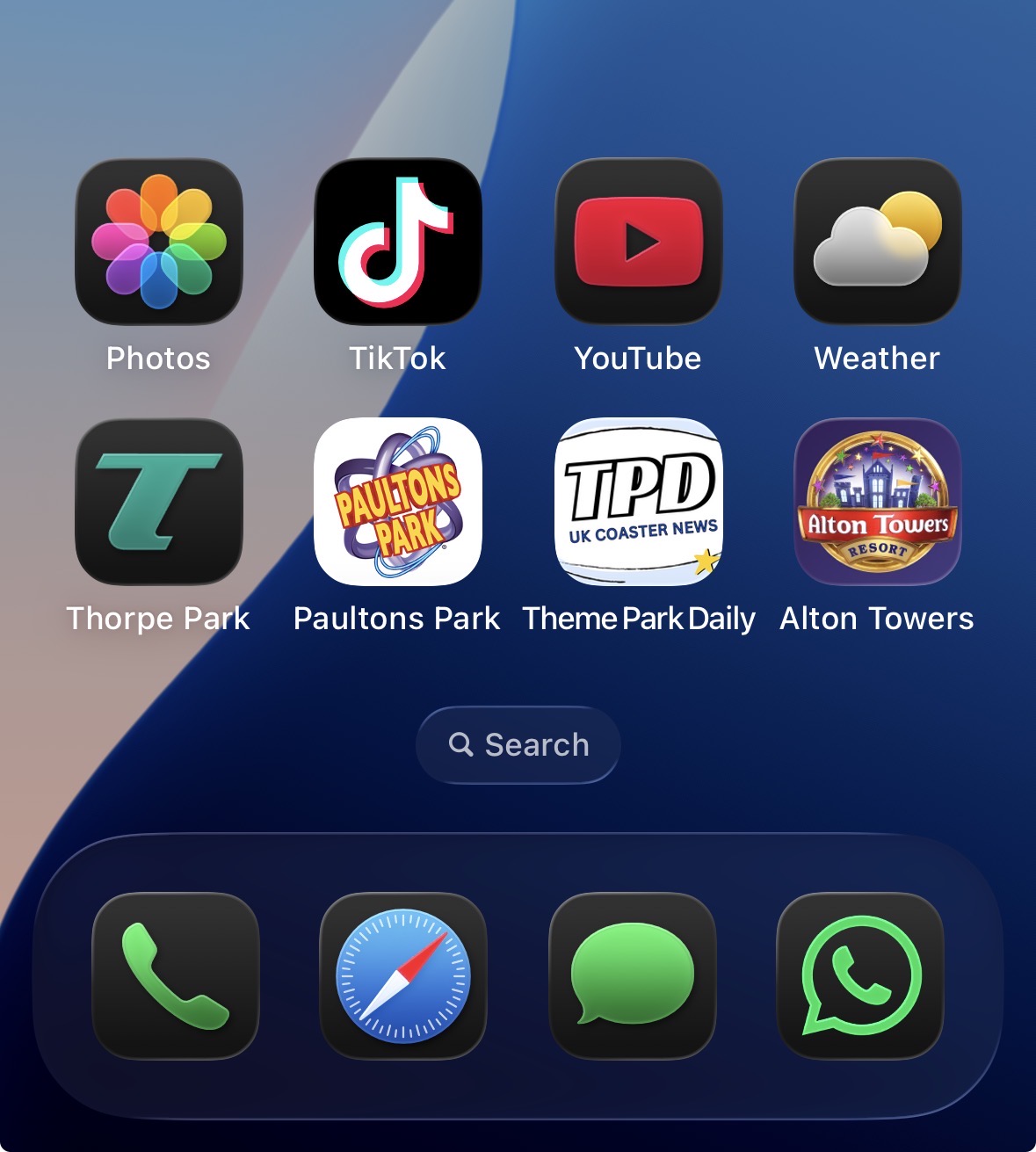
If you're a proper thoosie, you've probably already got loads of theme park apps on your phone.
Theme Park Daily needs to join them! Adding TPD to your home screen gives you:
One-tap access to TPD
A quick way to check for new content
Better functionality - a much more app-like experience than with a browser.
Can turn on notifications for breaking stories
And because TPD is designed with phones in mind, it works brilliantly on mobile.
SO... WHY AREN'T YOU JUST IN THE APP STORE THEN?
TPD is run by thoosies. We'd rather spend our time:
Finding great stories
Building new community features
Creating games
…rather than spending all day worrying about complicated app development.
We don't have an App Store or Google Play download just yet — but you can still put TPD on your phone and use it just like an app.
HOW TO GUIDE:
iPhone & iPad
Open Safari and go to themeparkdaily.org.
Once TPD has loaded, look for the Share/Menu button.
Depending on your iPhone and version of iOS, this can appear in different places. You might see the square with the arrow pointing upwards, or a menu/three-dot button.
Tap it and look through the options for “Add to Home Screen.”
Tap Add.
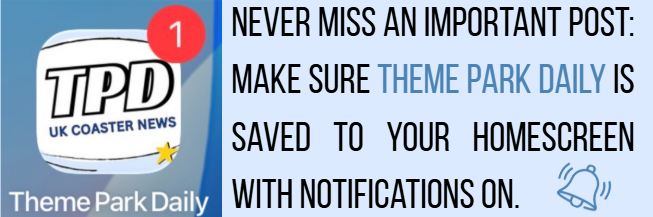
You'll now have the Theme Park Daily icon on your home screen, alongside your normal apps.
If you can't immediately see the option, scroll through the menu — it can sometimes be further down the list.
Android
Open Google Chrome and go to themeparkdaily.org.
Tap the three dots ⋮, usually found in the top-right corner of the screen.
Look for “Add to Home screen” or “Install app.”
Tap it and follow the instructions.
Once you've confirmed, the Theme Park Daily icon will appear on your home screen.
The exact wording can vary slightly between Samsung, Google Pixel and other Android phones, so don't worry if yours looks a little different.
And that's it! Just tap the TPD icon, and you're in.


💬 COMMENT ON THIS FEATURE